Editing your Coreo organisation profile
It’s quick and easy to update the name of your Coreo organisation, and associated icon if you need to.
This short guide will take you through the process.
How to update your organisation’s name
Before you start, please note the below:
- Only the Owner can make profile changes to the organisation.
- You will need to make sure that you are logged into the Coreo Admin Area – https://admin.coreo.io/
- Click on your organisation name in the side panel and select Settings & Billing (as highlighted in the image below).

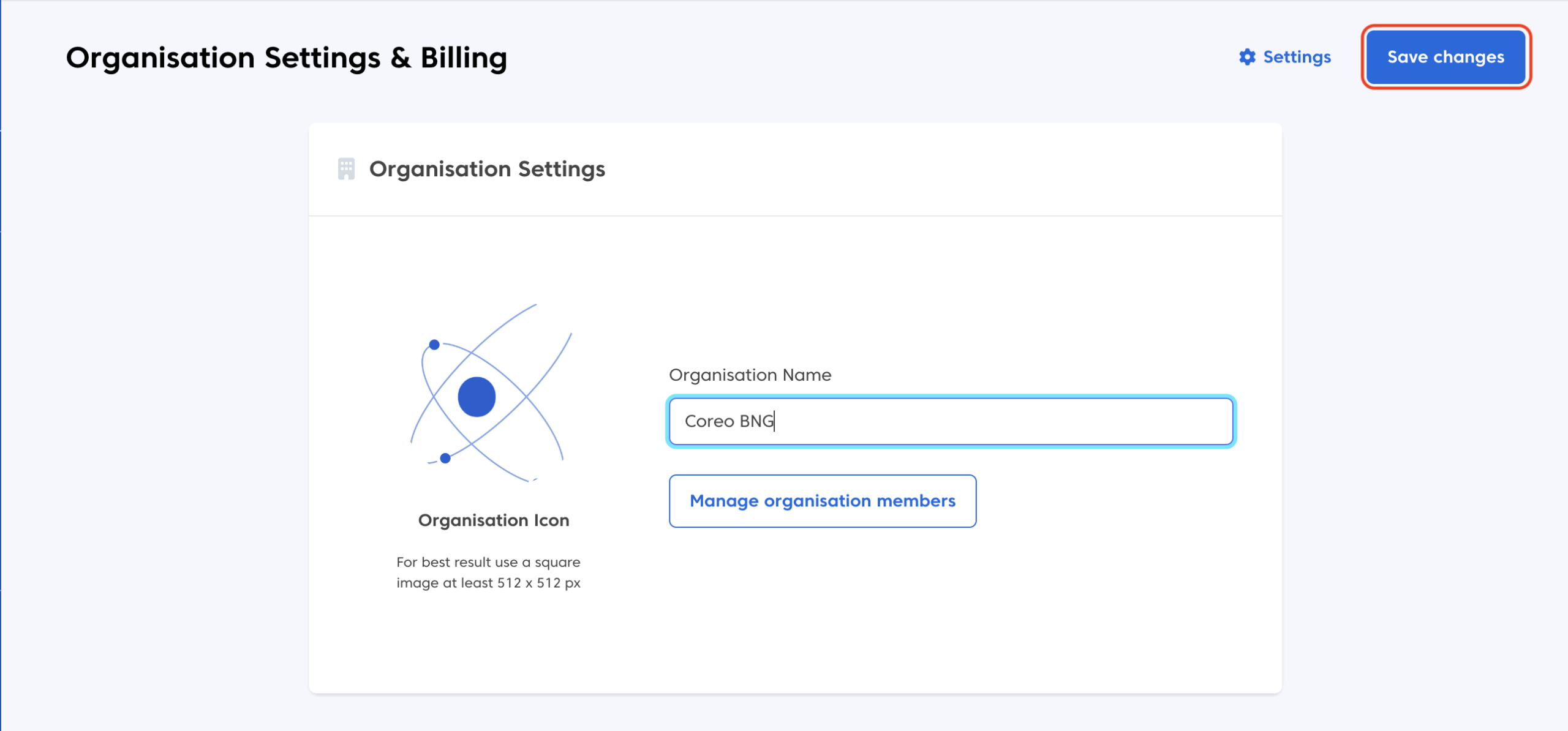
- Update your organisation name, as required.
- Hit “Save changes” in the top right to commit the change.
How to change your organisation’s icon
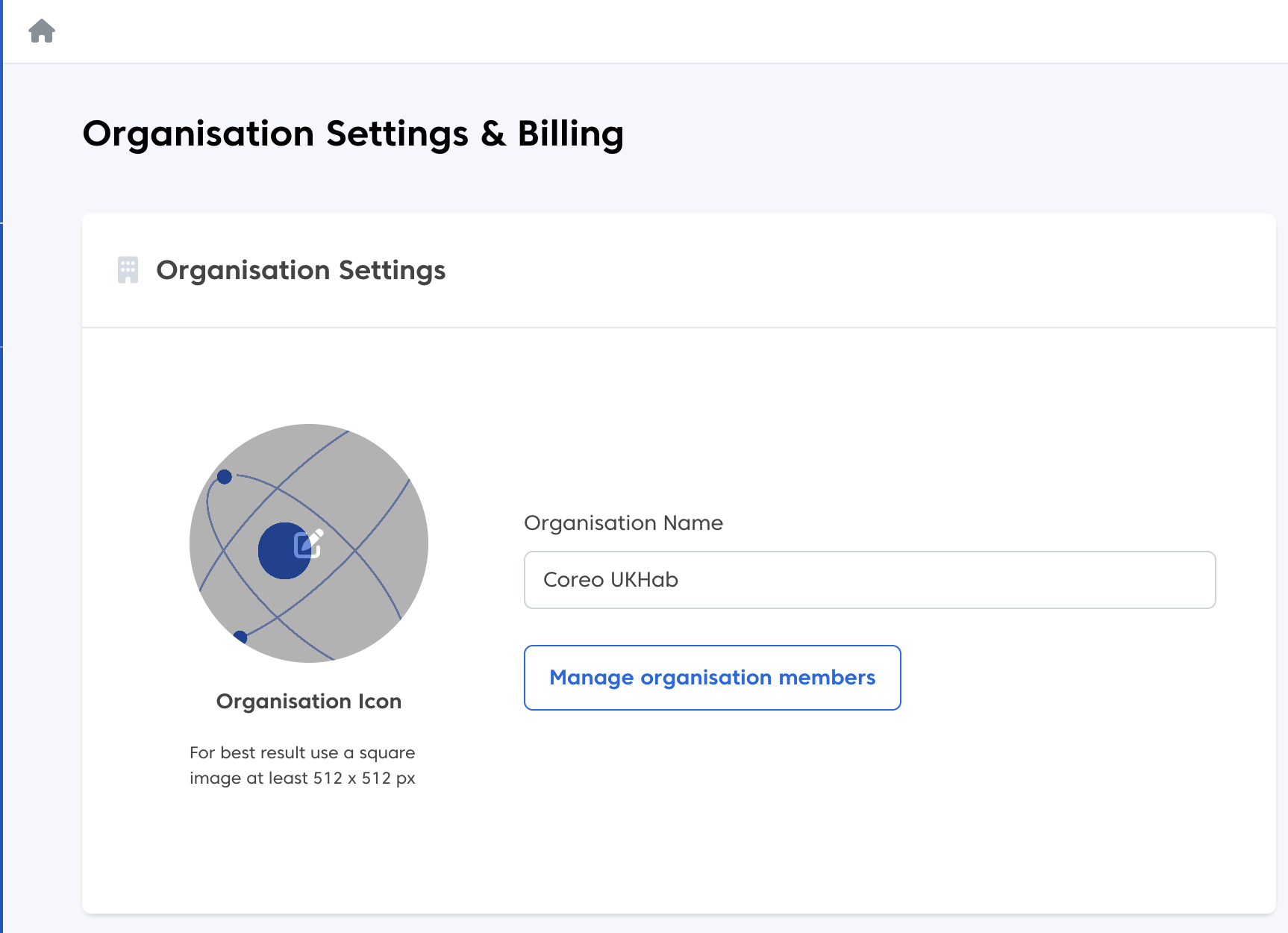
- Hover over the current icon or icon placeholder and click the pencil icon when it appears.
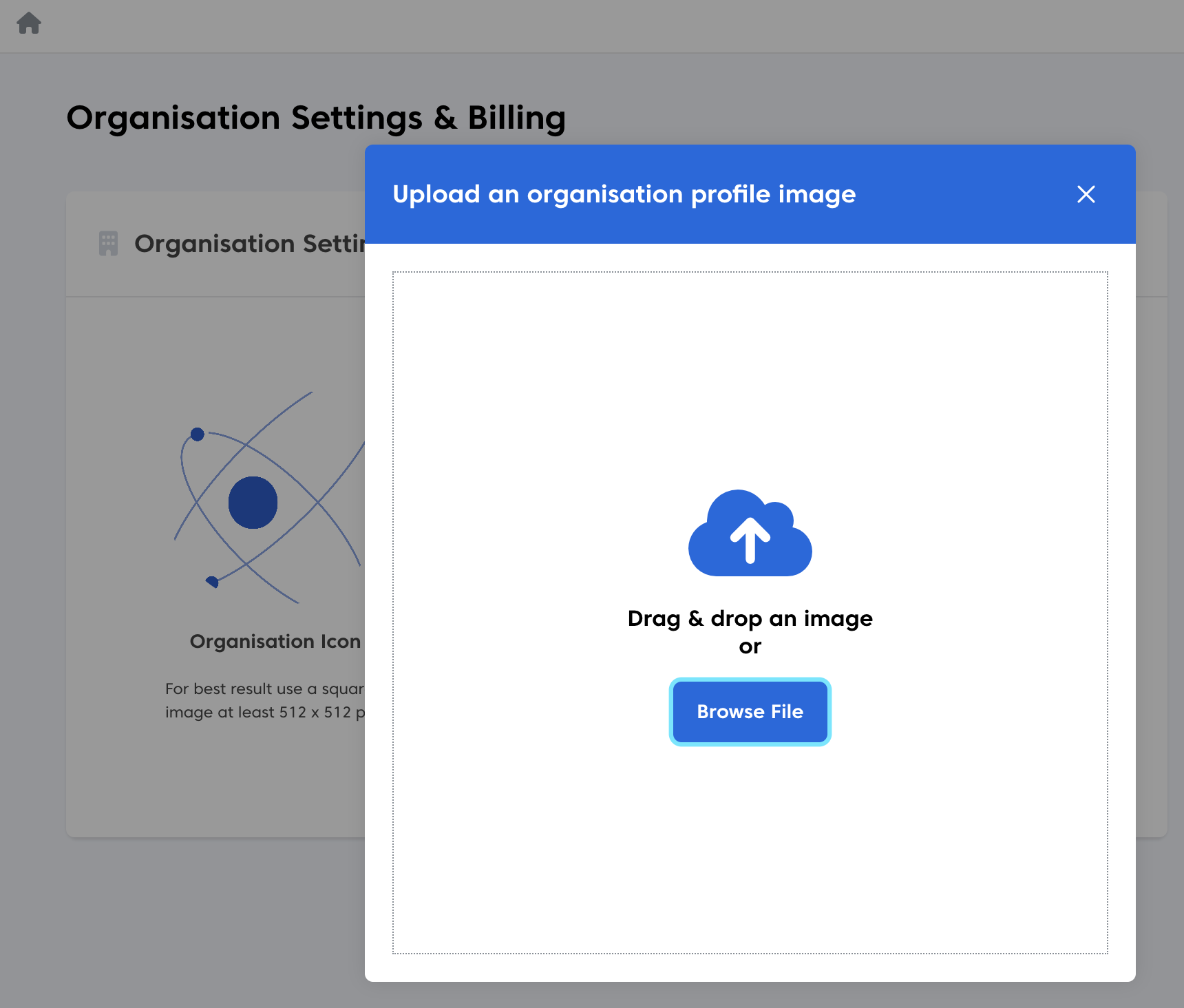
- Choose Browse File from the resulting pop-up
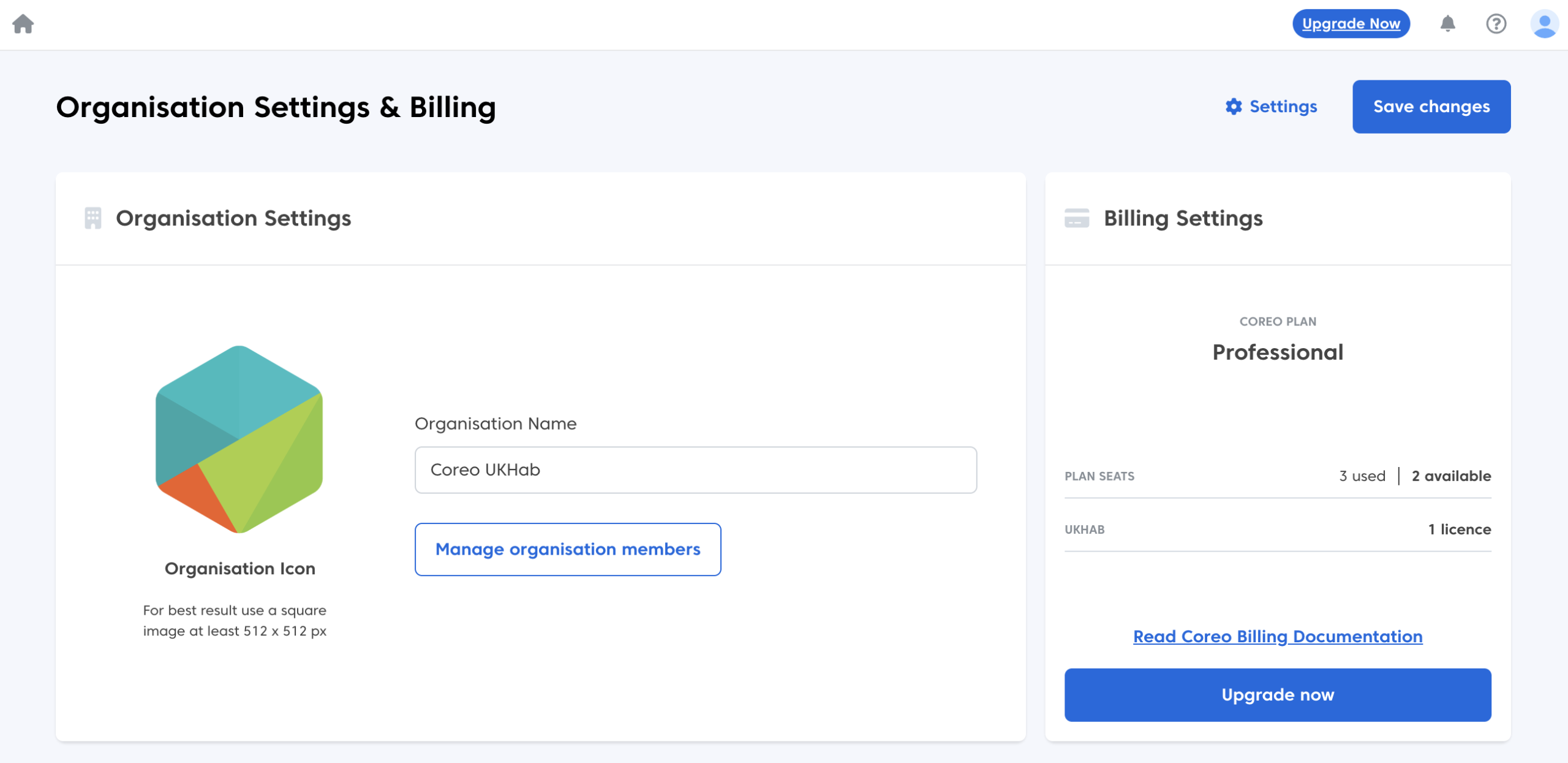
- Navigate to your preferred icon and select it (ideally this should be 512 x 512 px).
- Remember to select Save changes to commit your updates.
Was this article helpful?
Thanks for your feedback!