Adding API keys to your project
An API key is a unique string of characters used to identify and authenticate an application when it connects to another service’s API (Application Programming Interface).
Coreo provides project level API keys which allow you to set up integrations with third-party automation tools like Zapier.
How to create an API key
You can find your API keys under the Project Settings menu:

where you will find the API tool:
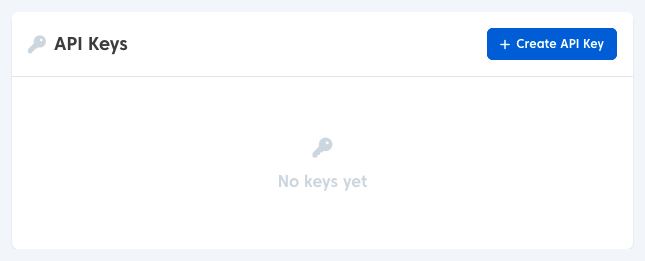
This lists any API keys you have already added, and a button to create new keys.
If you select ‘Create API Key’ you will be asked to give your key a name which will help identify the purpose for which it was created. It is recommended that you use different keys for each integration, so you can manage one without affecting others, in case of compromise or other security issues. There is no limit to the number you can create.
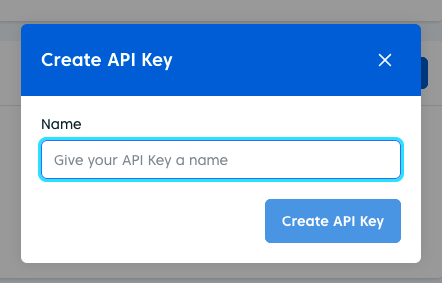
When you have you have given your API key a name, press ‘Create API Key‘ and your key will be ready to use.
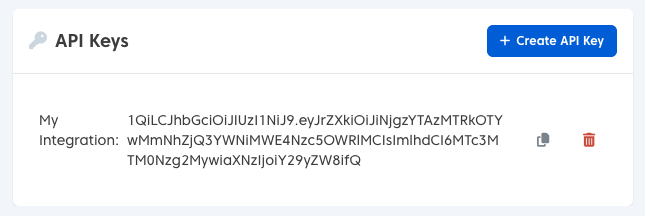
You can copy your key to your clipboard using the ‘Copy’ icon, or if required, you can delete your key with the bin icon: