Exporting Data: Combined Exports
In this guide you will learn how to combine forms when exporting your data. More often than not you will be working in projects that have associated parent and child forms. These associations are often critical to correctly managing this data.
When exporting normally child and parent forms are kept separate meaning that you need to manually combine this data after export (as explained in our guide). To make this easier we have included the option to export combined data directly, instead.
Note: Depending on your project and how you wish to use your data there may be some scenarios where you will still need to manually combine your exports.
To use combined exports:
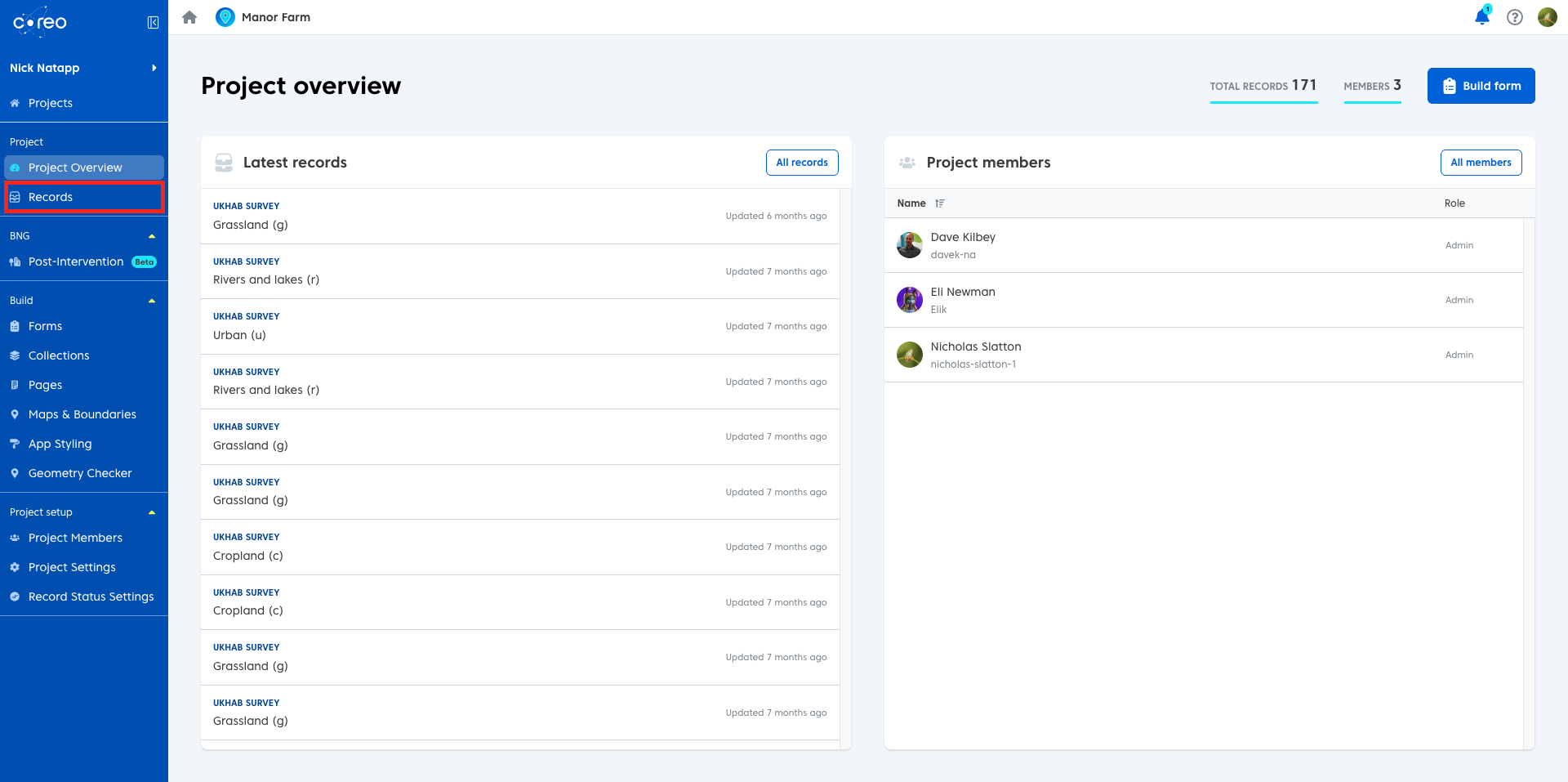
- Open your project and navigate to the records page.
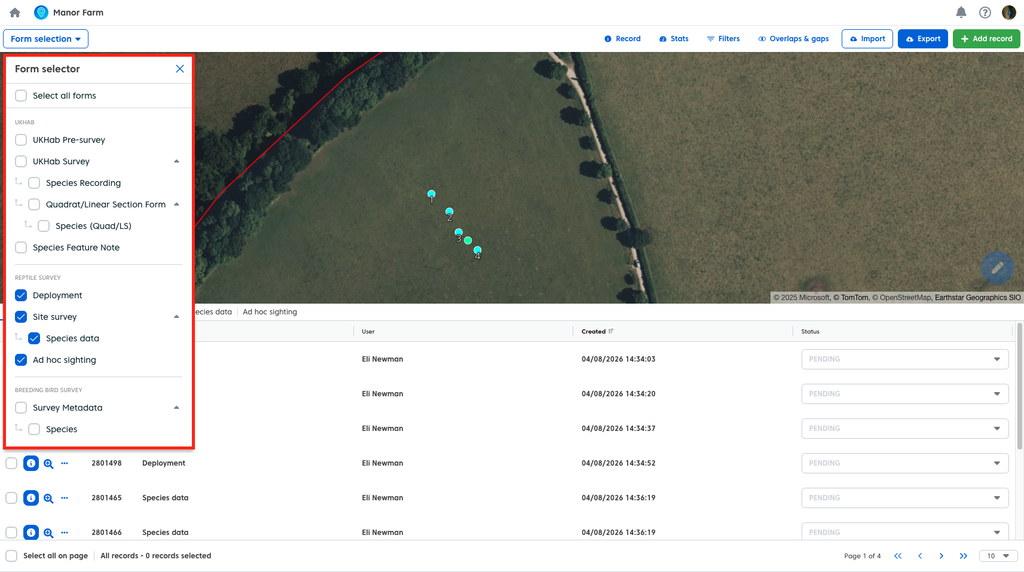
- Select the forms you wish to export with via the ‘Form Selection’ dropdown in the upper left.
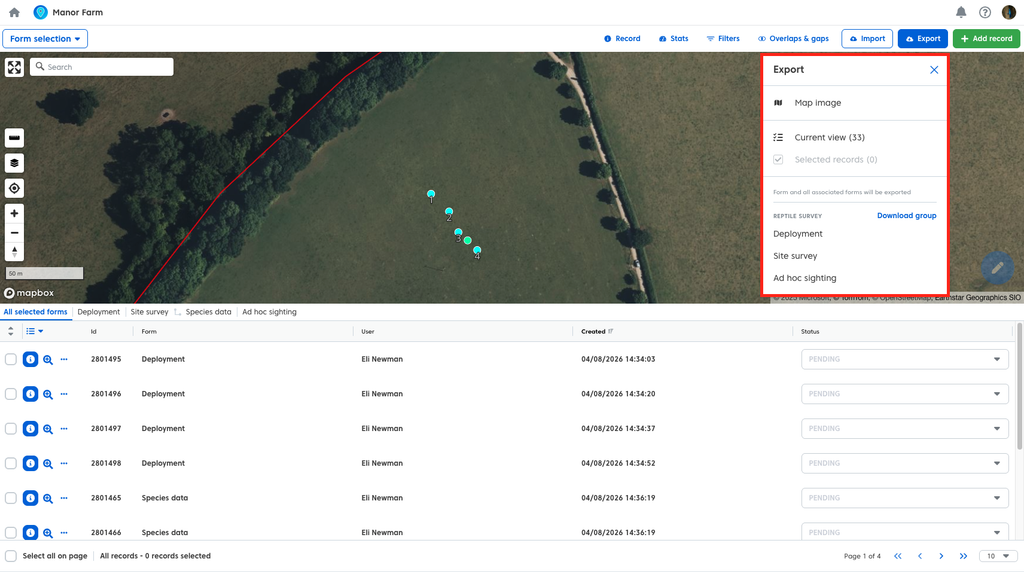
- Click ‘Export’ and select any of the available options.
- Toggle ‘Combine associated forms’ to on.
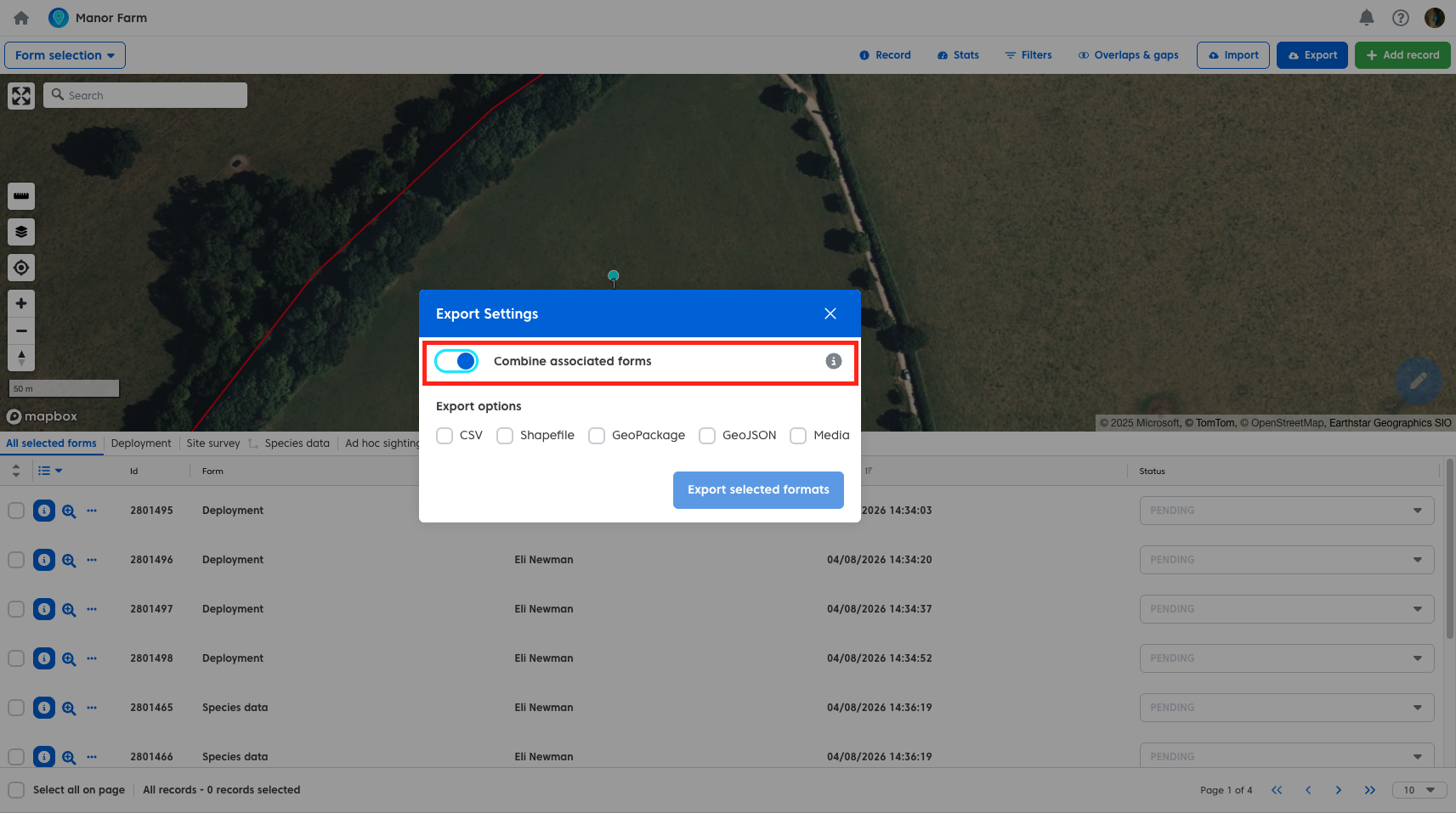
- Select the formats you wish to export and click ‘Export selected formats’.
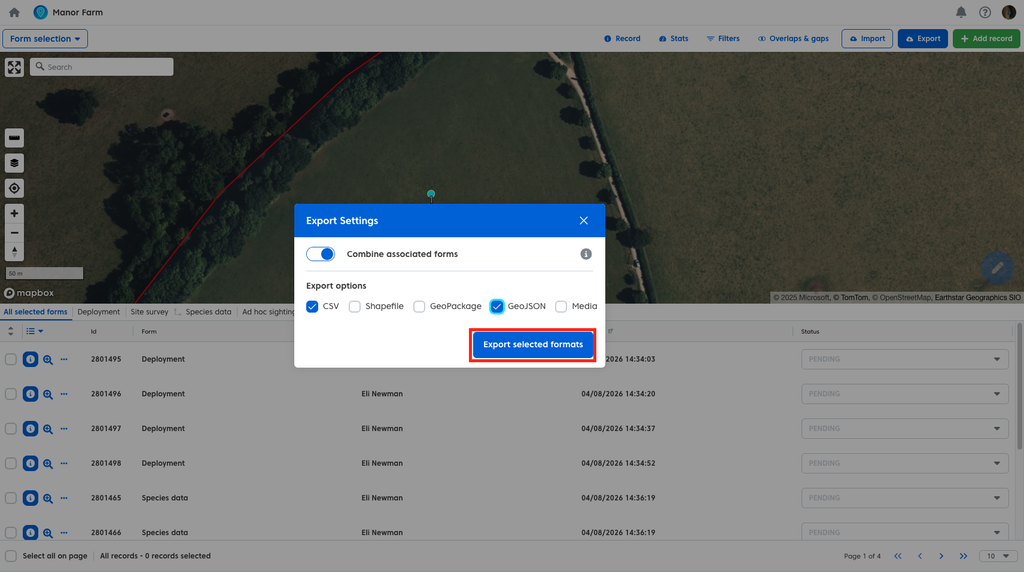
Your forms will now export and any linked data will be merged into a single spreadhseet or attribute table.
CSV Export
Normally when you export CSV’s from your project you will be provided with a CSV file per form. With combined export toggled on you will export one CSV that contains the child data along with data belonging to the parent record merged. In this example, the spreadsheet includes the ‘Field Signs’ data alongside the metadata from the ‘Water Vole Survey’ parent form.

Shapefile and GeoJSON
Shapefile and GeoJSON exports will provide you with similarly combined data, with the attribute table of your geometries containing the attributes from the parent record alongside the child form data
